
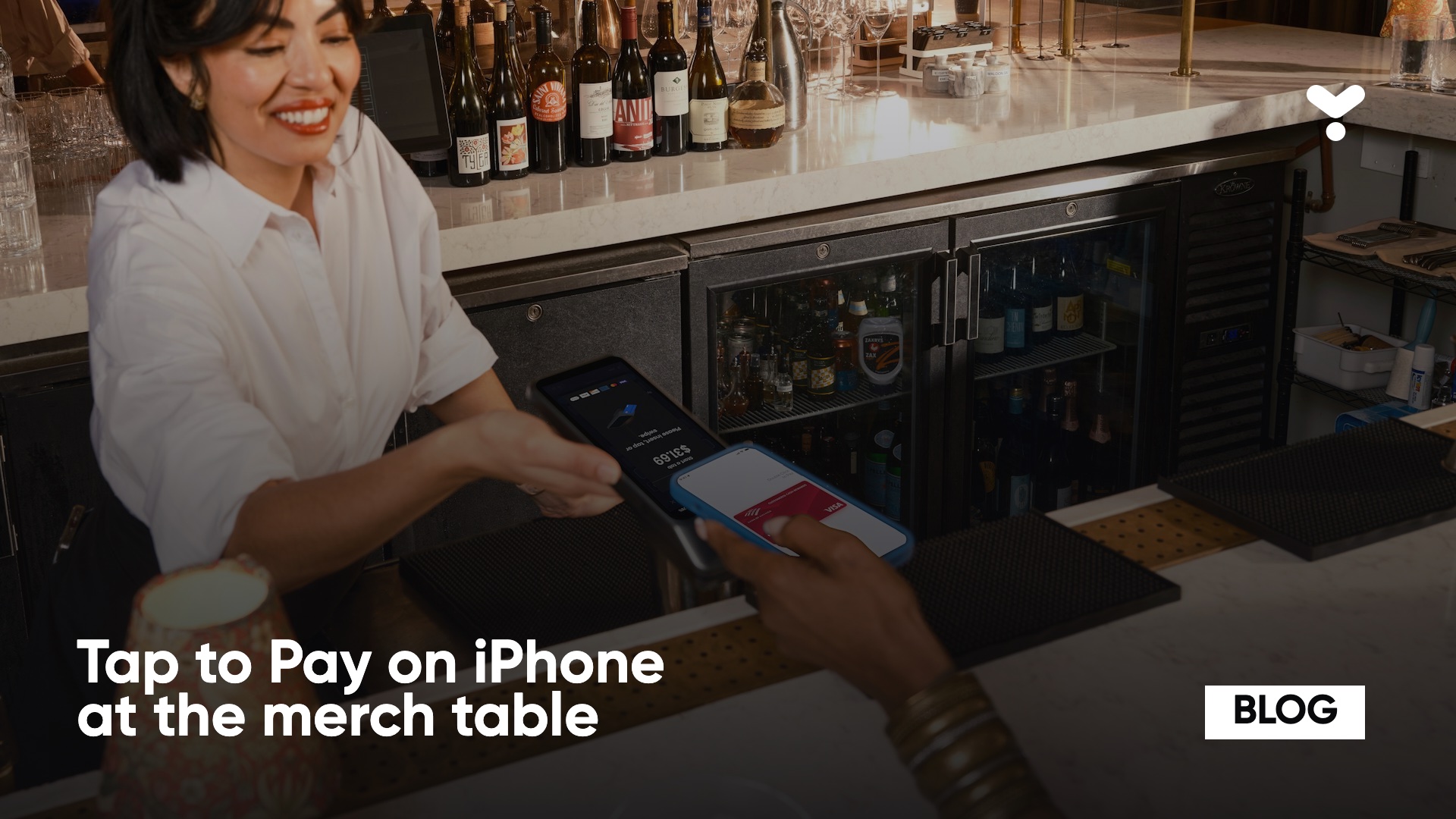
Tap to Pay on iPhone at a merch table: taking card payments at a show without a terminal, and what can go wrong
 Marin ·October 29, 2026 · 13 min read
8:05 pm. Doors have just opened, 40 people are queuing at your table and the venue Wi-Fi has just dropped. Your iPhone is your only terminal. Whether it holds is decided that afternoon, not in that moment.
Tap to Pay on iPhone turns a compatible phone into a contactless payment terminal, with no device to buy. You need a recent iPhone, a payment app that supports the feature and an account with a payment provider. This article covers what to verify before relying on it, and when a dedicated card reader takes over.
In short: Tap to Pay turns an iPhone (iPhone XS or later) or an NFC-enabled Android phone into a contactless payment terminal, with no extra hardware. It needs an internet connection while you take payments. When the stand is very busy, the network weak or customers pay with chip-and-PIN cards, a dedicated reader does better.
What is Tap to Pay on iPhone?
Nothing to plug in: Tap to Pay is a feature of the phone. The seller opens a payment app, enters the amount and holds the iPhone out to the customer. The customer holds the card horizontally or places their device over the payment symbol. Apple says you can accept cards, Apple Pay and other digital wallets, Android included.
On card brands, Stripe says Tap to Pay supports contactless Visa, Mastercard, American Express and Discover cards, NFC mobile wallets, and Cartes Bancaires in France. Apple also warns that some contactless cards may not be accepted by a given app and that transaction limits may apply.
What do you need to take payments with Tap to Pay at a merch table?
You need three things.
A compatible phone. Apple: "Tap to Pay on iPhone requires iPhone XS or later." Apple also asks for the latest version of iOS; Stripe is more specific: an iPhone XS or later "running an iOS version that is one year old or less", and the feature does not run on iOS beta versions. On Android, Stripe lists these criteria: an NFC sensor and an ARM processor, Android 13 or later, Google Mobile Services and the Google Play Store, a security update installed in the last 12 months, an unrooted device, developer options turned off, and a stable internet connection.
An app that supports Tap to Pay. It shows the amount, triggers the card read and records the sale. Ask your software provider whether the feature is active on your account and in your country. Stripe lists France among the countries where Tap to Pay on iPhone is available.
An account with a payment provider. Without one, no card payments, whether you use a phone or a reader.
On the Yaarz side: the seller app takes card, Tap to Pay and cash payments, and also works with Stripe card readers.
How do you prepare your phones before a tour?
Do it once, well before the first date. Not in the van.
Update every tour phone to the same iOS version and freeze it until the end. An automatic update on show day can restart the phone at the worst moment. Stripe notes that device requirements can change, so check its page before you leave.
Dedicate the phones to the stand. A phone with no messaging, no social media and no low-power mode takes payments without notifications covering the screen.
Turn off auto-lock while selling, or set it to the longest delay.
Run a test sale on each phone with your own card, then refund it. Check the receipt sent to the customer.
Photograph the product and price list loaded in the app: if a price is wrong, you find out before a customer does.
Keep screens clean: a greasy or cracked screen slows down amount entry.
On activation, the app shows a "How to Tap" tutorial: Apple requires it from apps offering Tap to Pay. Have each seller watch it once before the first show.
What do you do when the venue's network is bad?
Tap to Pay needs a connection while you take payments. On Android, Stripe lists "a stable internet connection" among the device criteria and states that Tap to Pay on Android does not support offline mode. On iPhone, Stripe's offline page lists Tap to Pay offline mode as a private beta available in the United States: it is not an option open in France. Yaarz does not offer offline card payments today either.
The connectivity plan has three levels, tested at the exact spot of the stand with the app open:
The venue Wi-Fi. Ask the production manager for the network and password in advance. A guest Wi-Fi saturated by the crowd is the worst case: ask for a production-only network or, failing that, a wired access point.
A 4G hotspot from a second phone or a router, plugged into a battery. Test it in the basement: some venues block cell signal.
A backup reader. See below: the S710 connects over cellular and switches between Wi-Fi, cellular and offline mode.
Keep a fourth level that depends on no network: cash. With a large enough float, the stand keeps selling while you restore the connection.
How many phones per stand?
A phone takes one customer at a time. The number of devices is decided by the evening's peak: right after the show, and at intermission.
Fictional example, with assumptions to replace with your own measurements: a sale takes 30 seconds in total (order, tap, confirmation), so 2 sales per minute per phone. 20 % of the audience buys. 70 % of those sales happen in the half hour after the show.
Small venue, 300 people: 60 buyers, 42 of them in 30 minutes, so 1.4 sales per minute. One phone is enough, plus a second as backup.
Venue with 1 200 people: 240 buyers, 168 of them in 30 minutes, so 5.6 sales per minute. You need 3 phones (6 sales per minute), plus one backup: 4.
Festival stage, 5 000 people: the maths quickly gives 10 devices or more; move to several stands with fixed readers.
Good to know: the real bottleneck is often preparing the order (finding the size, folding, giving change), not the payment. In that case two people per phone beat one more phone: one prepares, the other takes payment.
Time ten sales during soundcheck to replace my 30 seconds with yours.
What are the limits of Tap to Pay at a merch table?
What about PIN entry?
Some contactless transactions above a certain amount require an extra cardholder verification, such as entering a PIN. According to Stripe, the contactless limit in France is 50 €, and above it a PIN may be requested depending on the card issuer. Stripe states that Tap to Pay on iPhone supports PIN entry on iOS 16.4 or later. On Android, it depends on the Terminal SDK version built into the app (4.3.0 or later).
Example: a 30 € t-shirt goes through without a PIN, while a 113 € basket of t-shirt, hoodie and record may ask for one. Warn the customer: "The card may ask for your code."
PIN is only collected when the device is in a safe state: on Android, Stripe lists developer options off, no screen recording, no overlay windows, and an active internet connection. NFC wallet payments (Apple Pay, Google Pay, Samsung Pay) generally do not require a PIN.
What happens at peak hours?
No official source gives a number of payments per minute that a phone can process, and we are not making one up. What matters at the stand is the time between "the customer takes out a card" and "the sale is confirmed": a PIN to enter, a declined card or a badly placed phone each add seconds. Two sellers need two devices.
How do you speed up the queue?
The queue is won by the second: every second saved per sale shortens the wait after the show.
Say the price before the tap: the customer takes out their card while the seller keys in the order.
Present the phone flat, screen facing the seller, over the card held horizontally. Stripe advises holding the card at the reader until the chip is read, and waiting a few seconds after the vibration.
Keep the app connected in the background: Stripe advises connecting to the reader at app start and using automatic reconnection, which avoids a wait on the first sale and when returning from another app.
Split the roles: one seller serves, the other takes payment. You gain more than with a second phone.
Display the prices at the stand: a customer asking "how much is it?" costs 5 seconds every time.
Push contactless wallets: a customer paying with a phone or watch almost never has a PIN to enter.
How do you handle battery and accessories?
A phone taking payments for three hours with the screen on drains fast, especially with high brightness in a dark venue. Keep it plugged in throughout the show.
One power bank per phone and a short cable (a one-metre cable drags across the queue).
A stand to prop the phone up, so the seller keeps both hands free to fold shirts.
A spare cable per stand: it is the first thing to break or disappear.
A thin case: if a card is hard to read, take off the thick case or the metal wallet from the device.
A cloth for the screen: greasy fingers slow down amount entry.
How do you train a seller in 5 minutes?
Someone who has never taken a payment can run the stand after five well-spent minutes, phone in hand:
Minute 1: the gesture. Open the app, choose the items, confirm the amount, present the phone. One test sale with your card.
Minute 2: contactless. The customer's card or phone: both are presented over the screen, held flat.
Minute 3: the PIN. Above 50 €, the customer may have to enter their code. The seller never sees it and never asks for it.
Minute 4: the decline. Say "try another card, or cash". Never "I'll retry until it goes through".
Minute 5: the refund. One drill with the test sale from minute 1, down to the receipt.
How do you handle refunds and receipts?
For an on-the-spot refund, check before the tour how it works in your app: from the phone that took the payment or from another device, with or without the customer's card. Do it once with your own card on a test sale and write down the steps. The refund goes back to the original card, not in cash: tell the customer, or the queue will wait while they count their change.
On receipts, test with a real sale how the customer gets theirs, by email, SMS or otherwise. A customer who needs proof of purchase for an expense report wants a readable receipt with the amount, date and seller.
What do you do when it does not work?
The card is not read. Hold it longer, flat, over the screen. Stripe advises waiting a few seconds after the vibration. Remove the thick case or the wallet.
The payment is declined. Offer another card, a mobile wallet or cash. In case of a decline, Stripe recommends using another method, such as a dedicated reader. Do not retry the same card three times.
"PIN required" and the customer does not know it. Common with recent cards: offer Apple Pay or Google Pay, or cash.
No network. Switch to the 4G hotspot, then the backup reader, then cash, in that order.
The phone is hot. Under stage lights or in the sun it can slow down: move it into shade, remove the case, lower the brightness.
The app freezes. Close it, reopen it, check the sale in progress was not recorded twice, then carry on.
The reader will not reconnect. Stripe states that only one reader connection is active at a time: close the app on the other connected phones or readers before relaunching.
When is a dedicated card reader the better choice?
A dedicated reader wins in four cases.
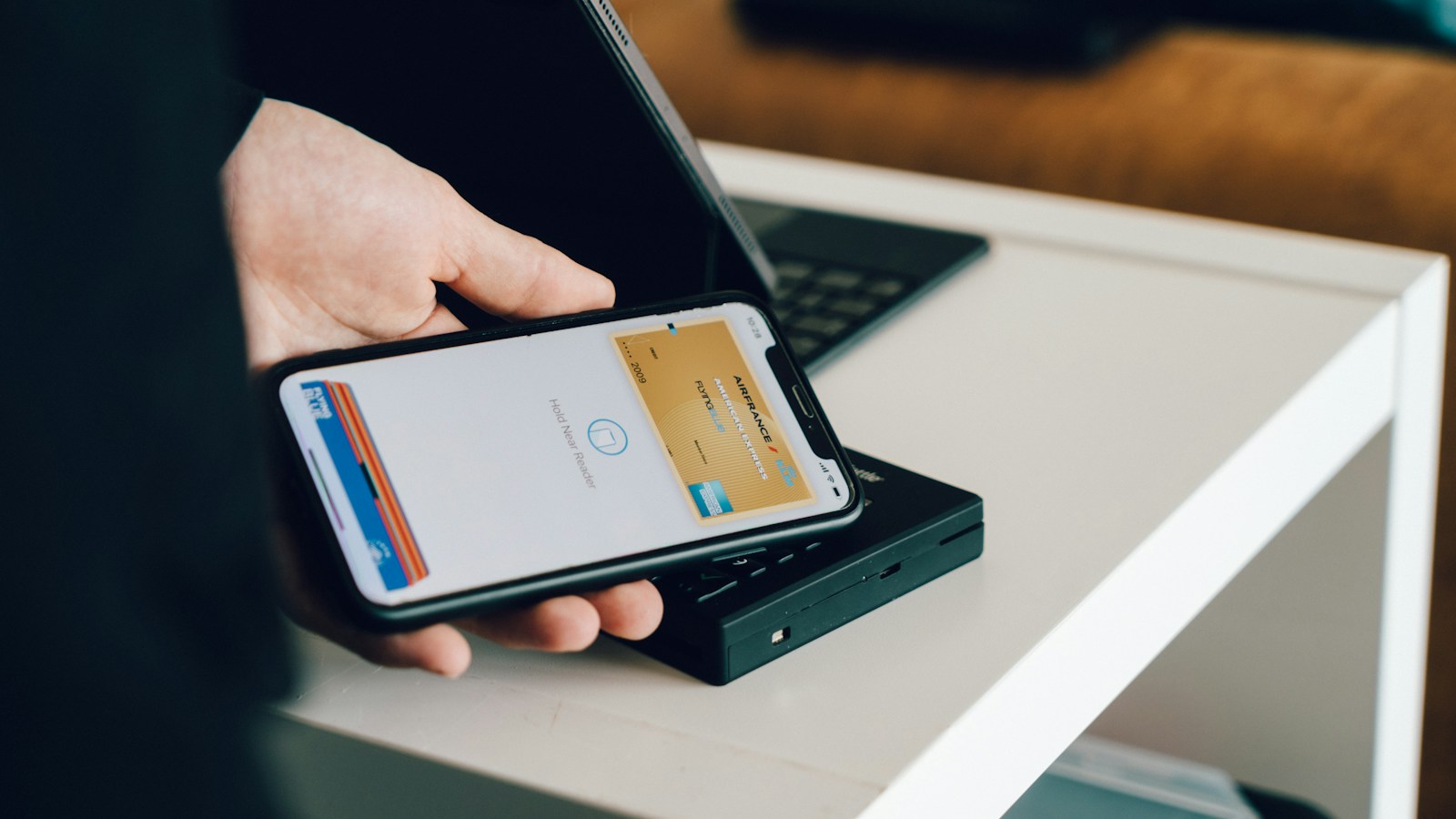
A very busy stand. A reader on the table can stay plugged in with its screen facing the customer while the seller prepares the order. Two readers serve two customers in parallel.
A weak network. The Stripe Reader S700/S710 connects over the internet, LAN or handoff mode, and Stripe cites the S710 as a reader with cellular connectivity that switches between Wi-Fi, cellular and offline mode. The S700 sits at the till or is held in the hand.
Chip-and-PIN cards. The BBPOS WisePad 3 is a portable reader connected to the phone over Bluetooth Low Energy (or USB on Android). It has a screen and a keypad for PIN entry.
Offline payments. Stripe documents an offline mode for its readers, but states that in the European Economic Area customers must then insert their card and enter their PIN. So it is not a contactless mode: you need a reader that reads the chip.
What is the checklist before doors open?
Do it in the afternoon, during soundcheck.
Phone. iPhone XS or later on an up-to-date iOS version, or Android 13 or later with NFC. Updates installed the day before, not on site.
App. Account signed in, Tap to Pay turned on, products and prices loaded for the date.
Network. Test at the stand's location, with a plan B (hotspot from a second phone, a reader with cellular connectivity) and cash as the last resort.
Test sale. A real payment of a few euros with your own card, then a refund. Check the receipt the customer gets.
Battery. Phone at 100 % and a power bank plugged in.
Backup. A second way to take payments (reader or phone), charged and connected to the app.
Team. Every seller has run a test sale.
Sources: Apple, Tap to Pay on iPhone, Stripe, Tap to Pay, Stripe, offline payments, Stripe, regional contactless limits.
Read next: How to sell merch at concerts and on tour: the field method and Average basket size and revenue per head: measuring live merch performance.
Also on this topic: how much to charge for band merch and merch settlement after a show.